
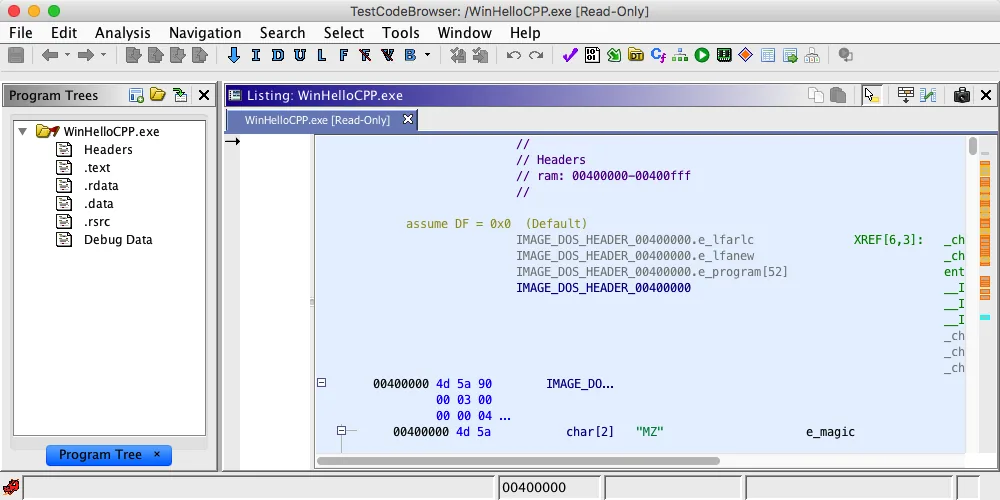
What PyGhidra is
PyGhidra is the official Python library and Ghidra integration for using the Ghidra API from native CPython 3. It exposes projects, programs, symbols, listings, analysis services and scripts to ordinary Python workflows.
PyGhidra is the official Python library and Ghidra integration for using the Ghidra API from native CPython 3. It exposes projects, programs, symbols, listings, analysis services and scripts to ordinary Python workflows. See the official sources and keep the environment reproducible.
Requirements and verified versions
The current PyPI package is PyGhidra 3.1.0, uploaded May 14, 2026. It requires Python 3.9 or later and Ghidra 12.0 or later. This site verified Ghidra 12.1.3 and JDK 21 as the current compatible setup.
The current PyPI package is PyGhidra 3.1.0, uploaded May 14, 2026. It requires Python 3.9 or later and Ghidra 12.0 or later. This site verified Ghidra 12.1.3 and JDK 21 as the current compatible setup. See the official sources and keep the environment reproducible.
How to install PyGhidra
Use a dedicated virtual environment. Online installation uses PyPI; offline installation uses the package bundle inside the official Ghidra distribution. Do not download an unknown EXE described as a PyGhidra installer.
Use a dedicated virtual environment. Online installation uses PyPI; offline installation uses the package bundle inside the official Ghidra distribution. Do not download an unknown EXE described as a PyGhidra installer. See the official sources and keep the environment reproducible.
- 1
Virtual environment
Isolate dependencies.
python -m venv .venv - 2
Install
Use the active interpreter.
python -m pip install --upgrade pyghidra==3.1.0 - 3
Offline option
Use the official bundled package.
python -m pip install --no-index -f <GhidraInstallDir>/Ghidra/Features/PyGhidra/pypkg/dist pyghidra
Connect PyGhidra to Ghidra
Set GHIDRA_INSTALL_DIR to the extracted Ghidra root, or pass install_dir to pyghidra.start(). Pin the path when several Ghidra versions are installed side by side.
Set GHIDRA_INSTALL_DIR to the extracted Ghidra root, or pass install_dir to pyghidra.start(). Pin the path when several Ghidra versions are installed side by side. See the official sources and keep the environment reproducible.
GHIDRA_INSTALL_DIR=<path-to-ghidra-root>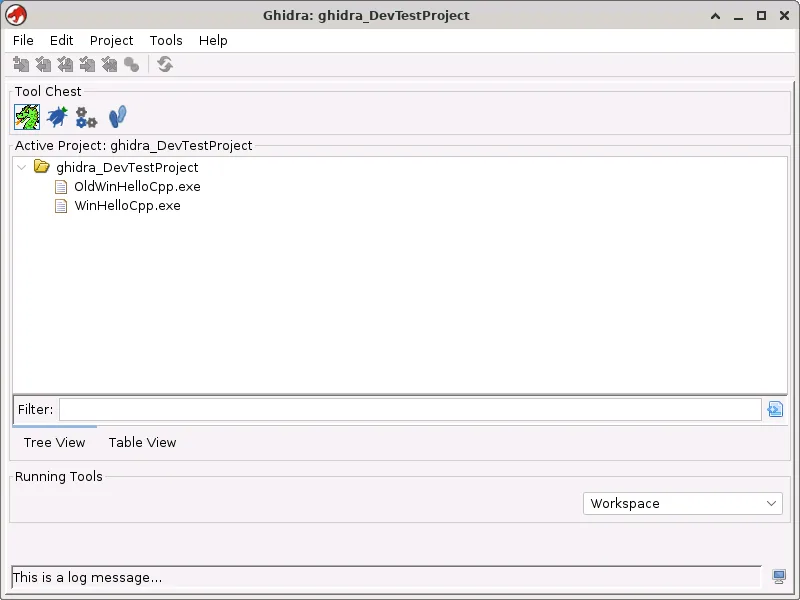
Run a first automation
Start Ghidra once per Python process, open an authorized disposable sample, handle resources with a context manager, and write results outside the application directory.
Start Ghidra once per Python process, open an authorized disposable sample, handle resources with a context manager, and write results outside the application directory. See the official sources and keep the environment reproducible.
from pathlib import Path
import pyghidra
with pyghidra.open_program(Path('sample.exe')) as api:
    print(api.getCurrentProgram().getName())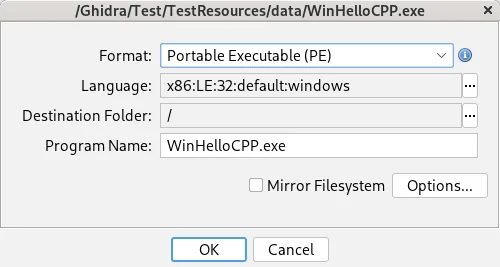
Common PyGhidra problems
Most failures come from the wrong Python environment, an unsupported Java runtime, an incorrect Ghidra root, or a version mismatch. Treat binaries and third-party scripts as untrusted input.
Most failures come from the wrong Python environment, an unsupported Java runtime, an incorrect Ghidra root, or a version mismatch. Treat binaries and third-party scripts as untrusted input. See the official sources and keep the environment reproducible.
| Symptom | Cause | Check |
|---|---|---|
| Import error | Wrong environment | python -m pip show pyghidra |
| Java error | Wrong JDK | java -version |
| Path error | Wrong root | GHIDRA_INSTALL_DIR |
| API mismatch | Version boundary | PyGhidra 3.x + Ghidra 12.0+ |
PyGhidra FAQ
Is PyGhidra included with Ghidra?
PyGhidra is the official Python library and Ghidra integration for using the Ghidra API from native CPython 3. It exposes projects, programs, symbols, listings, analysis services and scripts to ordinary Python workflows.
Which Python version is required?
Python 3.9 or later.
Why can it not find Ghidra?
Set GHIDRA_INSTALL_DIR to the extracted Ghidra root, or pass install_dir to pyghidra.start(). Pin the path when several Ghidra versions are installed side by side.
Does it replace analyzeHeadless?
No. Choose the workflow that fits the pipeline.
Is PyGhidra MCP the same project?
No. MCP tools are separate projects.